Getting Started

Prerequisites
- Postman client
NOTE: You can use either the Postman desktop client or web client (see Postman workspaces). However, this guide will focus on the user experience in the Postman desktop client.
- An internet connection
Setup
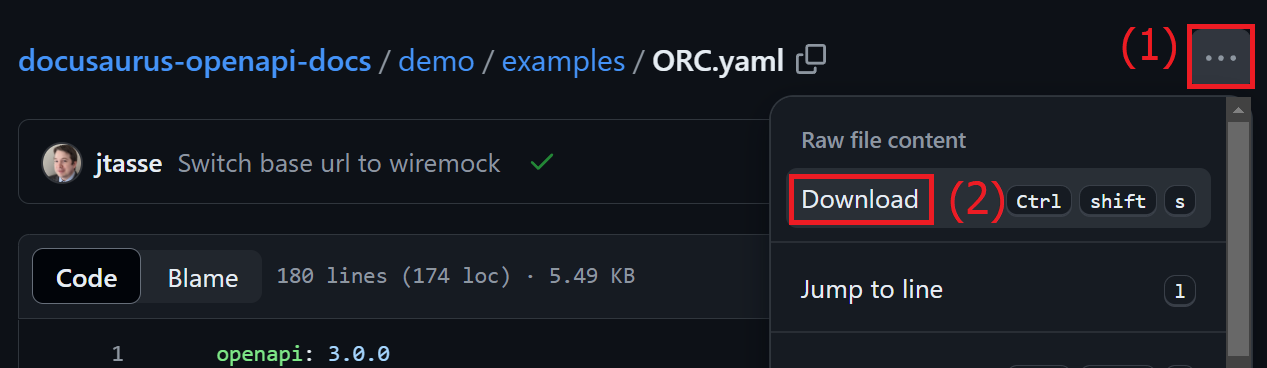
- Begin by downloading the ORC API specification.
- Next, import the ORC API specification into Postman.
NOTE: for instructions on how to import an API spec into Postman, see Importing an API.
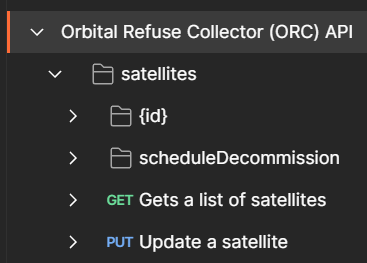
- In Postman you should now have a collection with the name
Orbital Refuse Collector (ORC) API.
Usage
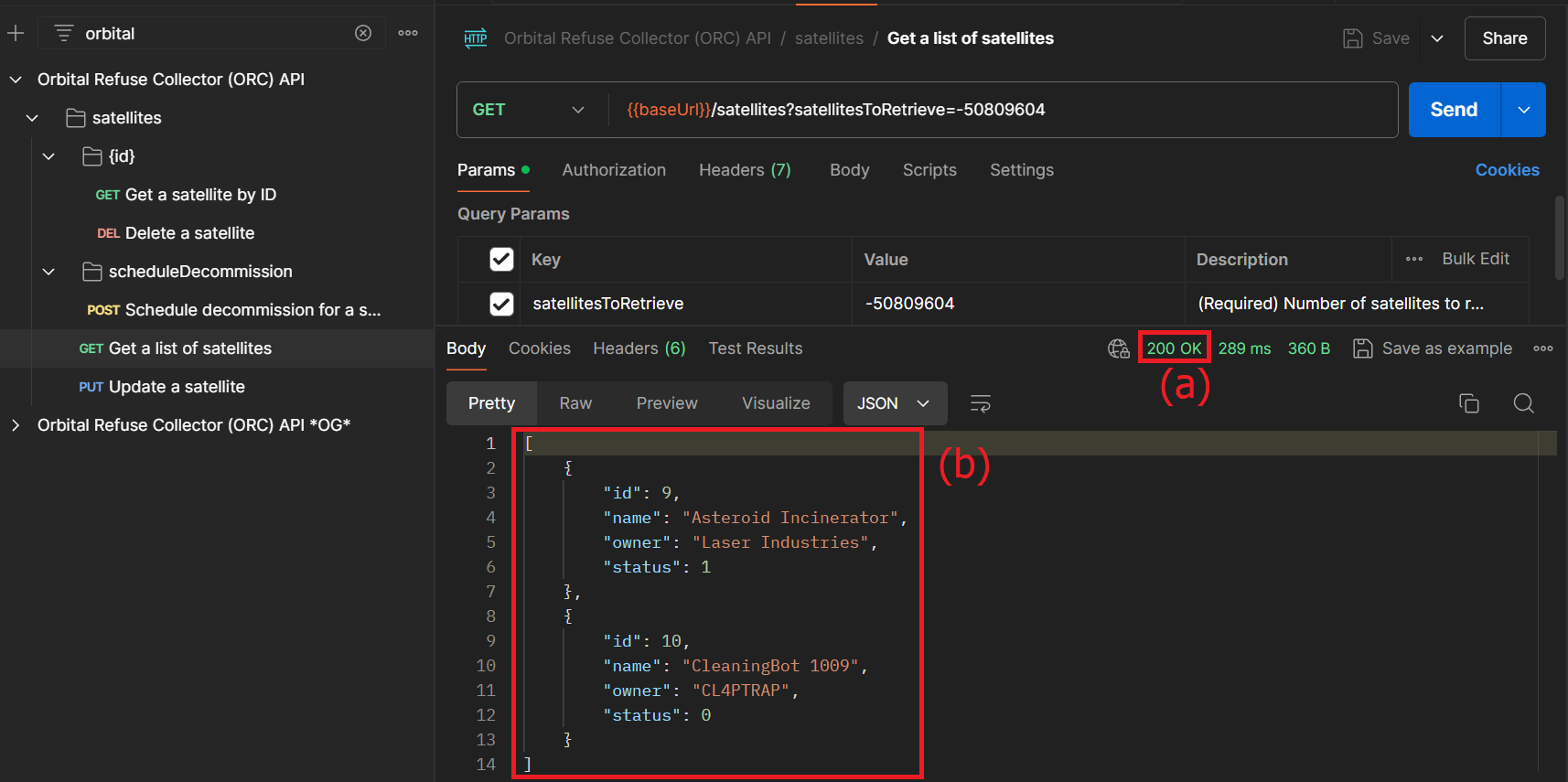
- Verify that the collection was imported correctly by sending a request. For this example I will send the
Get a list of satellitesrequest, but you can test with any request. - Upon receiving a response, verify the following:
a. The response status code was 200.
b. You received back either a list of satellite objects in the response body or no response body (depending upon which request you tested).
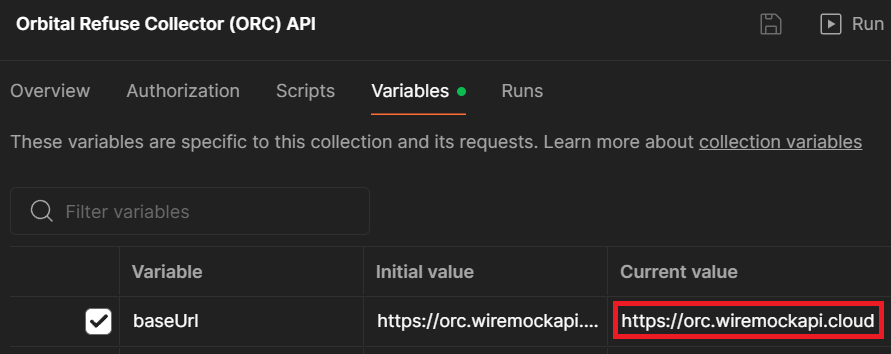
NOTE: By default this collection uses a Wiremock server to simulate all endpoints. If you would like to change this behavior, you can modify the
baseUrlvalue in the collection's variables.